Government Pavilion, C/ Padre Herrera s/n
P.O. Box 456
38200, San Cristóbal de La Laguna
Santa Cruz de Tenerife - Spain
Telephone: (+34) 900 43 25 26
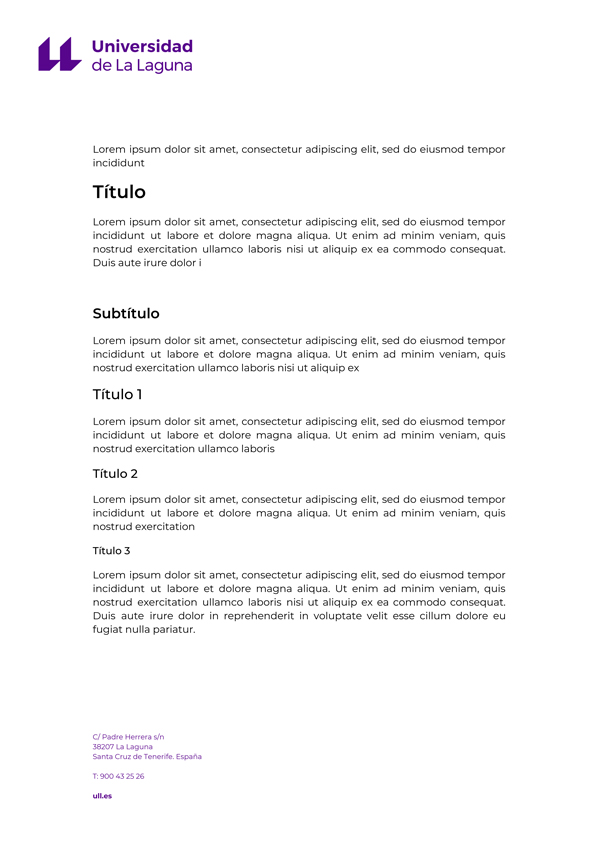
Institutional-formatted templates for Google Docs, Sheets, and Slides.
To use or download the templates:
Example document template in Google Drive:
Instructions on how to create a Google Doc from a template
 Spanish Spanish
 English
 French